PeerTube
A federated video platform by Framasoft: independent servers host channels and videos, and viewers watch them in the browser.
Web
Open source

TikTok for Windows is the desktop app of the short-video platform from TikTok Pte. Ltd., available free from the Microsoft Store.
Average 0.0 · ratings: 0
Thank you! Your rating is saved; you can change it. Could not save the rating. Please try again later. Too many ratings from your network today. Please try again tomorrow. The average appears after 5 ratings.
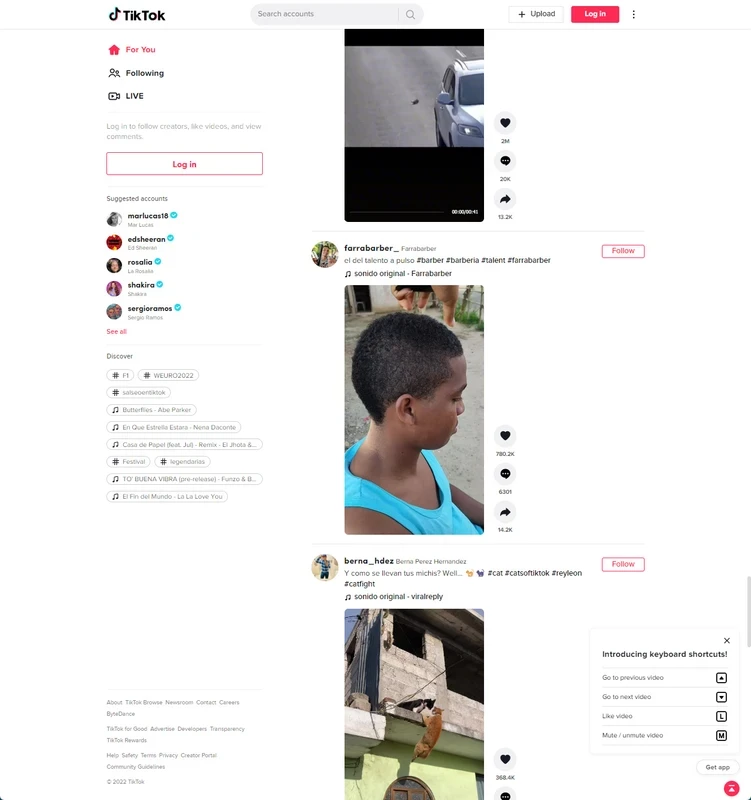
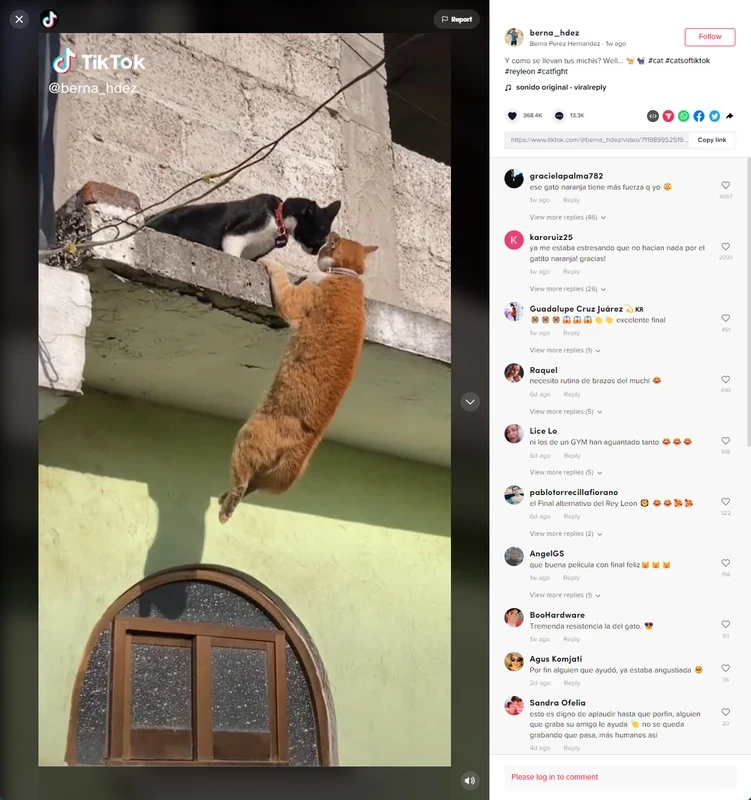
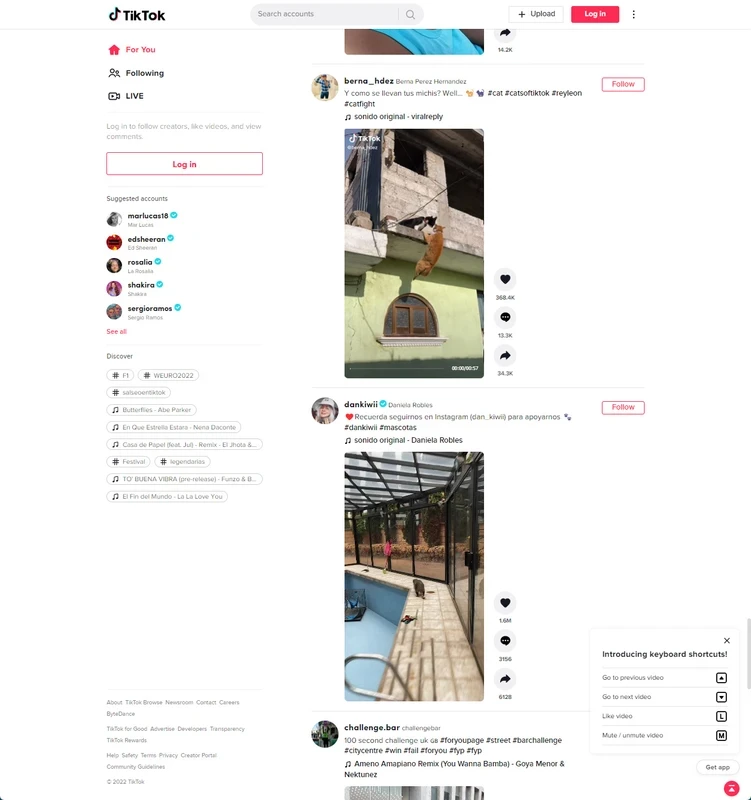
TikTok 1.0.5.0 for Windows is the desktop app of the short-video platform, published by TikTok Pte. Ltd., and you can download it free from the Microsoft Store. It lets you scroll the For You feed, watch creators you follow and read comments on a PC instead of a phone.
| Program | TikTok |
|---|---|
| Version | 1.0.5.0 |
| Publisher | TikTok Pte. Ltd. |
| Operating system | Windows |
| License | Freeware (proprietary) |
| Category | Video |
| Size | about 732.63 KB according to catalogue data |
| Updated | September 2026 |
| Where to get it | Microsoft Store (product ID 9NH2GPH4JZS4) |
TikTok grew out of Douyin and has run since September 2016 as a video-focused social platform. The Windows app is designed mainly for watching. The feed plays vertically in the middle of the window, with likes, comments and sharing on the side, and you can move between clips with the mouse wheel or arrow keys. Logging in brings your follows, saved videos and messages over from the phone. For many people the appeal is simple: a larger screen, speakers that are better than a phone's, and the chance to keep TikTok open next to other work. Heavy editing and effects remain a phone activity, so creators usually shoot and edit on mobile and use the PC to reply to comments or check how a video performs.
The Store keeps the app updated in the background. If you prefer not to install anything, the same feed is available in the browser on the official website.
The Store checks compatibility before installing, so the button will not appear on an unsupported system. A reasonably current Windows installation, a working sound device and a steady internet connection are what matter in practice.
Stick to the Microsoft Store listing. Files offered as "TikTok for PC" on download portals are not published by the developer and may be outdated or bundled with adware. Check the privacy settings after logging in and decide whether your account should be public.
TikTok is free to install and use. Optional in-app purchases exist, but nothing is required to watch, follow or comment.
For long-form video, the YouTube page for Windows is the obvious neighbour. If you want to create short clips rather than watch them, CapCut and Shotcut are video editors in the same category.

CapCut for Windows is ByteDance's desktop video editor, with a timeline, templates and export presets for short and long videos.

CapCut Web is ByteDance's online video editor that runs in the browser, with templates, text, effects and export for social media videos.

VLC media player is a free, open-source video and audio player for Windows from the VideoLAN team. The current release is 3.0.24.

Green Free Video Converter is a small free Windows program for converting video files between common formats for phones, players and editors.

Format Factory is a free Windows multimedia converter from Free Time for changing video, audio and image files between formats.

Streamlabs OBS, now called Streamlabs Desktop, is a free open-source Windows app for live streaming and recording with built-in alerts and overlays.

Free Cam is a free screen recorder for Windows from iSpring Solutions for recording screencasts with voice-over and trimming them before export.

Iriun Webcam is a small free Windows program that turns an Android phone or iPhone into a wireless webcam for video calls and streaming.